



Remove Background from Image - Complete Guide 2026
Background removal is essential for creating professional images for e-commerce, social media, marketing, and personal projects. With AI-powered tools like Bgremover, you can now remove backgrounds from any image in seconds without needing expensive software like Photoshop.
What is Background Removal?
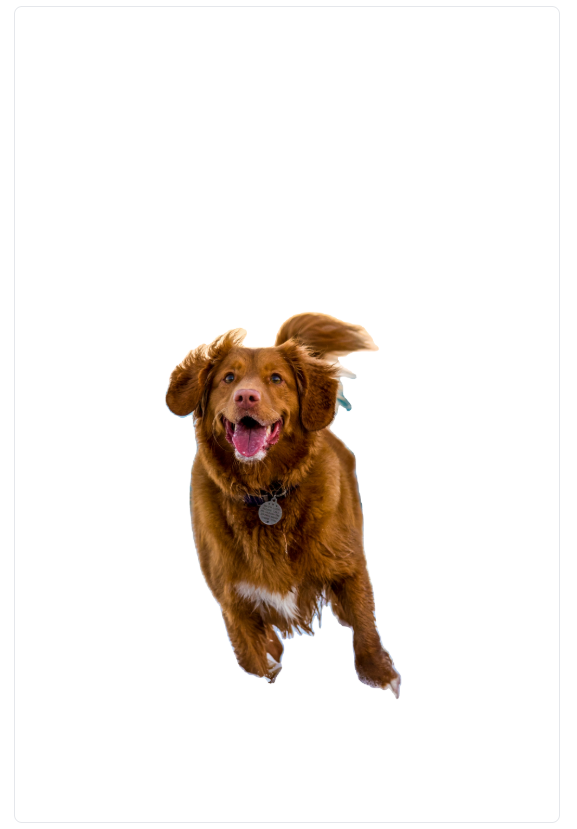
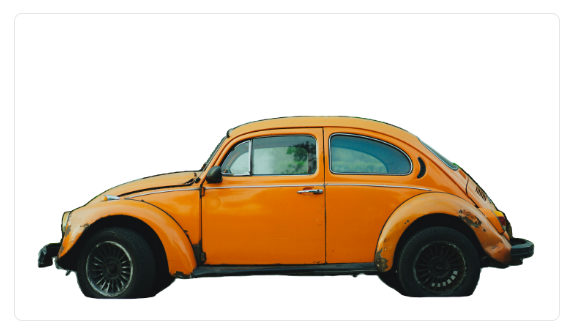
Background removal is the process of separating the main subject (person, product, animal, or object) from its background. This creates a transparent PNG file that can be placed on any new background, making it perfect for product photography, profile pictures, and graphic design.
Why Remove Image Backgrounds?
- E-commerce: Create clean product photos with white or transparent backgrounds for Amazon, Shopify, Etsy
- Social Media: Make eye-catching posts and stories without distracting backgrounds
- Professional Use: Create polished headshots and profile pictures
- Marketing: Design banners, ads, and promotional materials
- Personal Projects: Create custom graphics, collages, and designs
Why Choose Bgremover Over Other Tools?
While tools like remove.bg, Canva, and Photoroom offer background removal, they typically have usage limits or require paid subscriptions for HD output. Bgremover is 100% free with unlimited uses, no watermarks, and no signup required - making it the best choice for individuals and businesses alike.
Ready to try? Remove your first background for free →